 Voiceturi
Play the piano
right in your browser.
Tap the keys, click them, or play with your computer keyboard. It sounds like a real piano, and it shows you the names of the notes as you play.
- Runs in your browser
- No account needed
- Mic audio stays on your device
Piano keyboard
Computer keyboard: the letters A to ; play the white keys, W E T Y U O P the black ones. Drag a finger across the keys for a glissando.
How to play it
- On a phone or tablet, touch the keys. You can press several at once, and drag a finger across the keys for a glissando.
- With a mouse, click a key, or hold the button and drag.
- With a computer keyboard, the home row plays the white keys (A S D F G H J K L ;) and the row above plays the black keys (W E T Y U O P), in the same place as on a piano.
- With a MIDI keyboard, press “Connect a MIDI keyboard” and allow it in the browser. Notes, how hard you play and a sustain pedal all work. It needs Chrome, Edge or Opera on a computer or an Android phone.
- The octave buttons move the two-octave window up or down.
- Sustain keeps the notes ringing after you let go, like the right pedal. A MIDI pedal works too.
- Chords: play three or more keys and the page names the notes and the chord, such as C or Am7.
- Chord buttons: press one and the chord sounds, with its keys lit on the keyboard, as if you played it.
Where are the notes?
The keyboard is a pattern that repeats: two black keys, then three. The white key just left of the two black keys is always a C, so from any C the white keys go C D E F G A B and then C again, an octave higher. The C closest to the middle of the keyboard is middle C, written C4. It is marked in colour on the keys above.
Black keys are the sharps and flats: the black key between C and D is C♯ (or D♭). Turn on Note names to see the white keys named as you play.
Eight sounds to choose from
Choose Piano, Grand piano, Electric piano, Nylon guitar, Steel guitar or Electric guitar: recordings of real instruments, the same samples the Voiceturi lessons use. Organ and Synth are made in your browser. The recordings load as you play, so the first notes can take a moment on a slow connection.
Learn to read what you play
- Find middle C, then C D E F G above it: that is the first position every piano method starts with.
- Play a note, find its name, find it on the staff. Reading music is matching those three.
- Play a short tune by ear, such as Twinkle Twinkle or Ode to Joy, and work out its notes on the keys.
From toy to real lessons
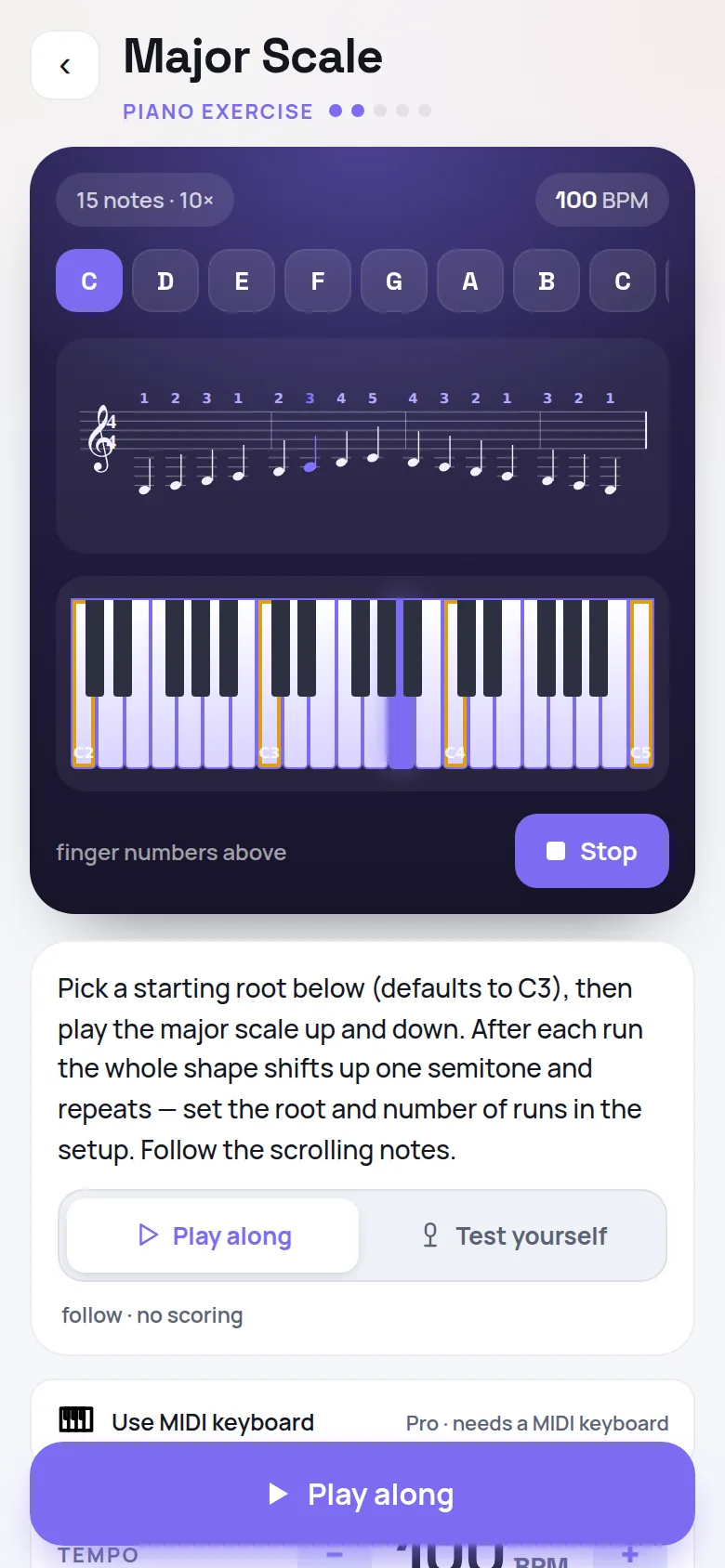
The Voiceturi piano course teaches you to play from the first key: where middle C is, finger numbers, the C major scale, first chords, reading the staff and your first melodies. Every lesson shows the notes on a staff and lights them on a keyboard as they play, and the first lessons are free. See the piano lessons.
How it works
Press a key
Touch, click, or use the computer keyboard.
Find your notes
Turn on note names and find middle C, C4.
Move around
The octave buttons move the window; sustain holds the sound.
Questions
Is this online piano keyboard free?
Yes. It runs in your browser on a phone, tablet or computer, with no account and no download.
Can I play it with my computer keyboard?
Yes. The letters A S D F G H J K L ; play the white keys and W E T Y U O P the black keys. They are the physical keys of the home row and the row above, so it works on any keyboard layout.
How many keys does it have?
Two octaves, 25 keys, on screen at a time. The octave buttons slide the window up or down across four steps, so you can reach a wider range.
Does it sound like a real piano?
The Piano, Grand piano and Electric piano sounds are recordings of real instruments, the same samples the Voiceturi lessons use. Organ and Synth are made in your browser.
Does it work with a MIDI keyboard?
Yes, in Chrome, Edge and Opera on a computer or an Android phone. Press “Connect a MIDI keyboard” and allow it. Notes, how hard you play and the sustain pedal work. Safari on iPhone and iPad has no MIDI support.
Is anything recorded?
No. The page plays sound; it does not listen. It never asks for your microphone, and it asks for MIDI only when you press the button.