 Voiceturi
Play the ukulele
right in your browser.
Pick a chord and strum it, or tap the frets one at a time. The neck shows the name of every note and the page names the chord you are holding.
- Runs in your browser
- No account needed
- Mic audio stays on your device
Ukulele fretboard
The chord shapes are for standard tuning. In this tuning, tap the frets to build your own.
Computer keys: 1 to 4 pluck the strings from the lowest, Space strums down, Shift + Space strums up, and the letters on the chord buttons pick a chord.
How to play it
- Tap a fret to put a finger there: the string sounds and the note’s name appears. Tap the same fret again to lift the finger.
- Tap left of the nut to switch a string between open (○) and not played (✕).
- Pick a chord from the buttons and its shape appears on the neck.
- Strum by dragging a finger or the mouse across the strings in the Strum area, or with the strum buttons.
- With a computer keyboard, keys 1 to 4 pluck the strings, Space strums down and Shift + Space strums up. Each chord button shows the letter that picks it.
- With a MIDI keyboard, every note you play lights the places it lies on the neck. It needs Chrome, Edge or Opera on a computer or an Android phone.
The notes on the ukulele neck
A ukulele in standard tuning is G C E A, from the string nearest your face. The G is above middle C, which is why a ukulele chord sounds so bright and close together: this is called re-entrant tuning. Each fret raises a string by one semitone, and the 12th fret is the octave. Turn on Note names and the neck labels every fret you tap.
Sixteen chords to start with
The buttons hold C, D, E, F, G, A, the minor chords Am, Bm, Dm, Em, the sevenths A7, C7, D7, E7, G7 and Cmaj7. Many ukulele chords need only one or two fingers.
- Start with C (one finger) and Am (one finger).
- Then F and G. C, Am, F and G are the four chords of hundreds of songs.
- E and Bm are the hard ones: leave them for later.
Tunings
The menu has standard GCEA, low G (the G an octave lower), baritone (D G B E, like the top four strings of a guitar) and D tuning (A D F♯ B), the same list as the ukulele tuner. The chord buttons are the shapes for standard and low G; in the other two tunings you build the chords on the frets and the page names them.
The sound
The Voiceturi app has no ukulele recordings, so the ukulele plays with the app’s real nylon guitar or steel guitar samples, at the ukulele’s pitches. It is close, but it is not the sound of a ukulele.
More for ukulele players
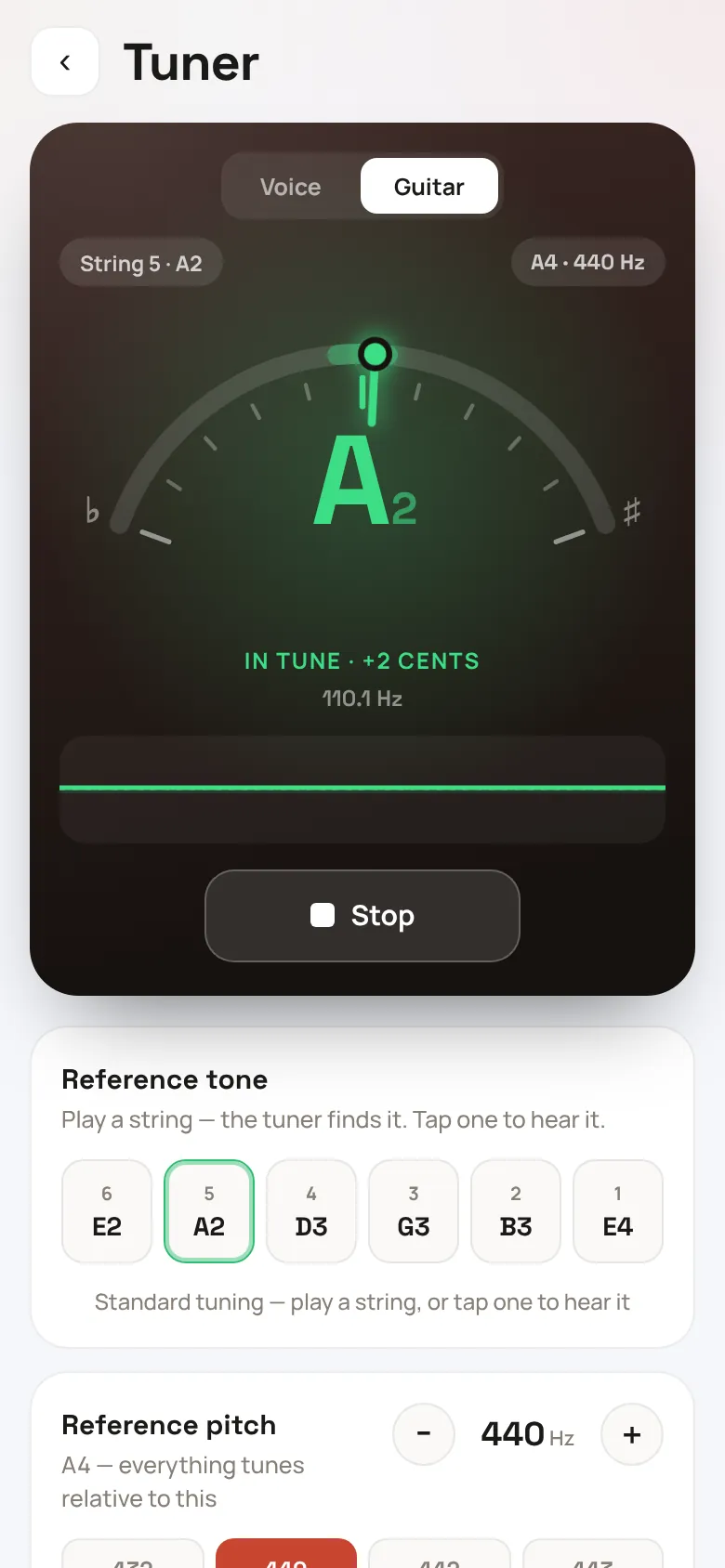
Voiceturi teaches voice, piano and guitar. It has no ukulele lessons, but its tuner, metronome and ear training work for any instrument. Ukulele tuner · Online metronome.
How it works
Pick a chord
C, Am, F and G to start.
Strum it
Drag across the strings, or press Space.
Read the neck
Every note shows its name, and the page names the chord.
Questions
Is this online ukulele free?
Yes. It runs in your browser on a phone, tablet or computer, with no account and no download.
Can I play it with my computer keyboard?
Yes. Keys 1 to 4 pluck the strings, Space strums down, Shift + Space strums up, and the letter on each chord button picks that chord.
Does it sound like a real ukulele?
Not quite. It plays the app’s recordings of a real nylon or steel guitar at the ukulele’s pitches, because the app has no ukulele recordings.
Which ukuleles does it fit?
Soprano, concert and tenor ukuleles share the standard G C E A tuning. Pick Baritone for a baritone ukulele.
Does Voiceturi teach ukulele?
No. It teaches voice, piano and guitar. The tuner and the metronome work for any instrument.
Is anything recorded?
No. The page plays sound; it does not listen. It never asks for your microphone, and it asks for MIDI only when you press the button.